Features
Every step of a voxel asset, in one place.
Here's what each part of Ciwb does, from the first block to the file your engine loads.
01 · Modelling
Shape it fast.
Attach, erase, paint and select with brushes that work on single voxels, faces or whole lines. Turn on symmetry and draw one side.
- Box brush
Many shapes, from wedges to rounded boxes. - Terrain
Raise, lower and smooth, with rivers and ponds. - Booleans
Add, cut and intersect objects. - Symmetry
Mirror on any axis, or repeat along it.
A attach · E erase · P paint · Ctrl K find any action
02 · Detail
Pattern it, age it, reuse it.
Paint surfaces with the Pattern brush, then stack operations: rust on metal, moss in corners, snow on top, vines down the walls. Save a stack as a recipe and apply it to any model.
80 shaders come bundled for caves, flow, terrain and more. Drop your own shader files in a folder and they show up in the list.
03 · Texture
Pixel art on every face.
Paint straight onto voxel faces at pixel resolution. Work in layers, then lay the result out on a UV sheet you can edit anywhere.
04 · Materials
Five materials, tuned per colour.
Glass
Clear or tinted, with refraction in path-traced renders.
Water
See-through and glossy, for rivers and ponds.
Metal
Roughness and shine you can set.
Glow
Lights the scene around it.
Cut-out
Holes for leaves, grilles and fences.
05 · Animation
Rig in minutes.
Draw bones on the model and fit them in one step. Pose with IK and constraints, key on a timeline, and edit curves.
- · Walk and run presets
- · As many clips as you like on one rig
- · Save poses and reuse them
- · Copy animations from another project
06 · Rendering
Fast to frame, path-traced to finish.
Frame your shot in the fast view, then switch to path tracing for bounced light, soft shadows and refraction. A denoiser cleans it up in seconds.
- · Looks: golden hour, moody fog, night and more
- · Save your own looks and share them as files
- · Turntables
- · Video out as MP4 or GIF
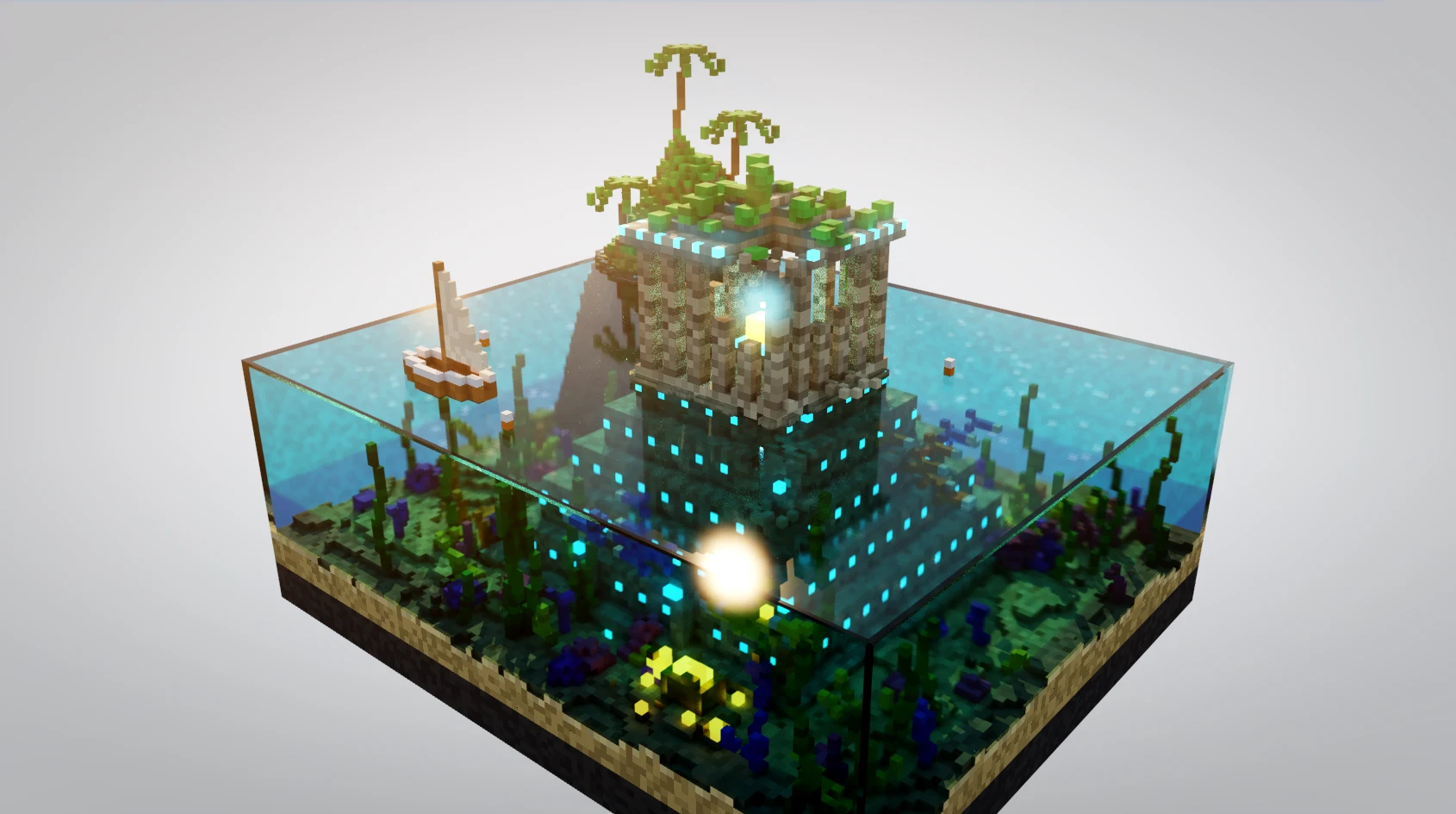
Path traced, denoised
07 · Game export
Files your engine accepts.
GLB export is checked for Godot, Unity and Unreal before it's written. Add collision, attachment points for weapons and hats, and LODs. Or bake sprite sheets for 2D games.
Opens and imports
.vox · .qb · .gox · Minecraft schematics · 3D models as voxels
08 · Organise
Keep big scenes tidy.
Library
Save parts once, reuse them anywhere.
Linked copies
Edit one, update them all.
Check Scene
Finds floating voxels and export problems.
Themes
Light and dark, to suit the room.
Try it on your own models.
Free forever, packs included. See the packs