First steps · Lesson 1
Get around the viewport
Orbit, pan, zoom and jump between views, so you can look at any part of a model in a second.
- 5 min
- 5 steps
- Beginner
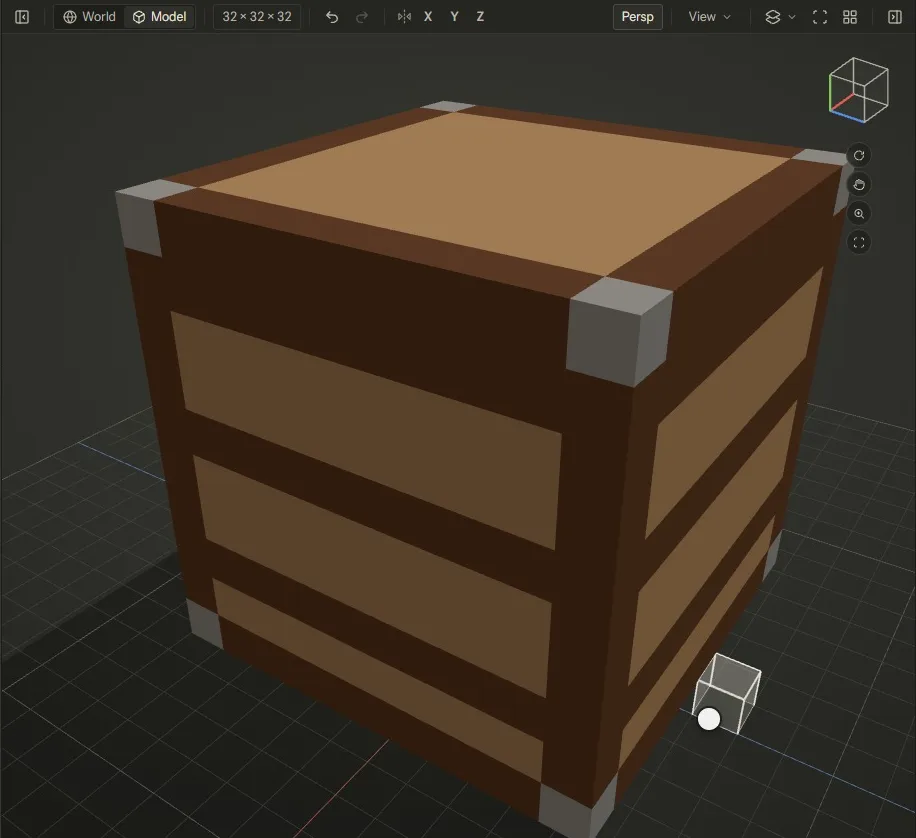
Every model you make, you'll spin round hundreds of times. Five moves cover all of it. Open the starter file and try each one as you read.
-
Orbit
Hold the right mouse button and drag. The camera circles whatever is under the cursor, so point at the part you care about first.
-
Pan
Hold the middle mouse button (press the wheel) and drag to slide the view sideways without turning it.
-
Zoom
Scroll the wheel. Ciwb zooms towards the cursor, so aim at the spot you want a closer look at.
-
Frame everything
Lost? Press Home (Frame Everything) to fit the whole scene back in view. F (Frame Selection) fits just the voxels you have selected.
-
Snap to a view
The number pad snaps the camera: Num 1 front, Num 3 side, Num 7 top. I goes back to the isometric view you started in.
Prefer a different mouse layout? Edit > Settings > Mouse controls also offers Middle-drag orbit and Alt-drag orbit, which suits a trackpad or a mouse without a middle button.